
Step 01
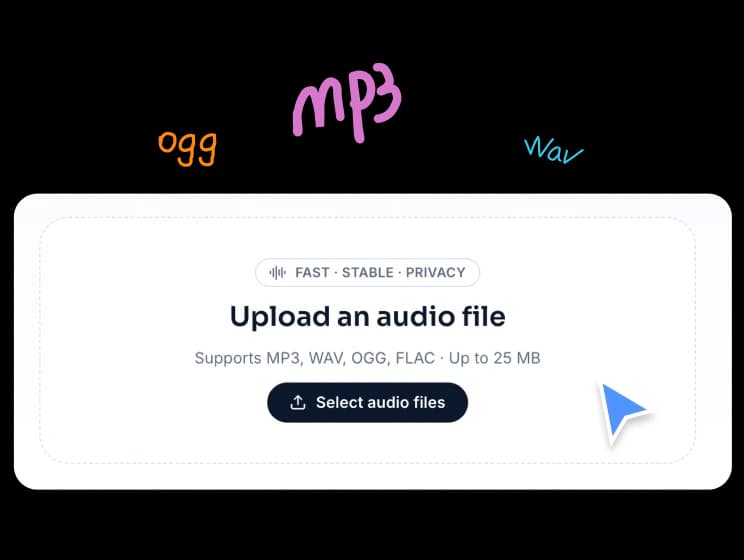
Upload multiple audio files
Add the audio files you want to combine. The tool supports common formats like MP3, WAV, OGG, and FLAC, with local browser-based processing.
Browser Audio Tool
Merge audio files, arrange tracks in the right order, choose full clips or selected regions, and export one WAV file from your browser.
Supports MP3, WAV, OGG, and FLAC · Up to 50MB per file · Merge full tracks or selected slices into one WAV
FreeTTS Audio Joiner helps you combine multiple audio files in sequence, trim only the parts you need, and export everything as one clean WAV file.
Add the audio files you want to combine. The tool supports common formats like MP3, WAV, OGG, and FLAC, with local browser-based processing.
Move tracks up or down to set the final order. You can also add slices to include only selected parts of a track instead of the full audio.
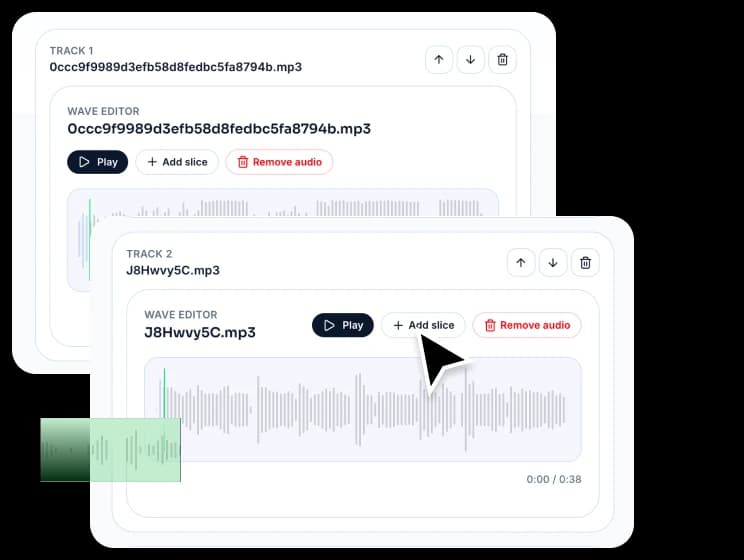
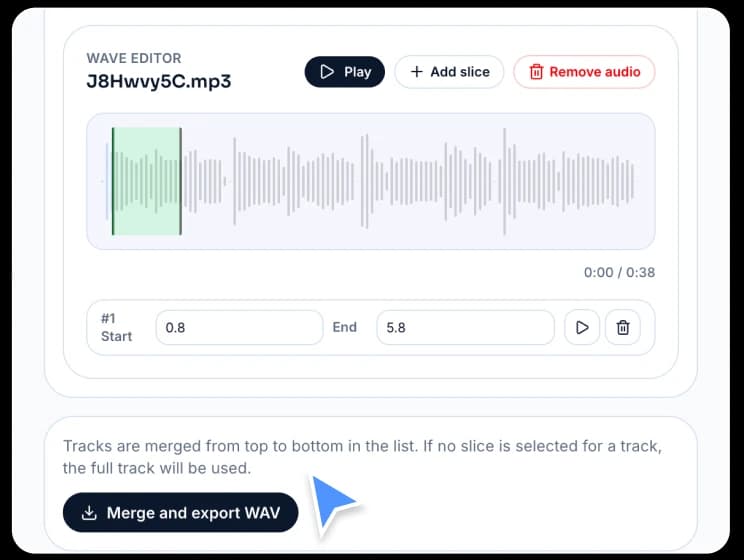
Once the order and slices are ready, merge everything into a single WAV file for download.
Built for simple audio combining, flexible track ordering, and reliable WAV output, this online audio joiner makes merging files quick and straightforward.
Combine several audio tracks into one file and control the final playback sequence by moving tracks up or down.
Use an entire file or only a selected part of it, which is useful for intros, voice clips, music sections, and custom audio arrangements.
Your files stay on your device while you arrange, merge, and export audio. FreeTTS does not upload them to a backend server for processing.
The merged output is exported as WAV in this version, giving you one stable and consistent audio file for download.
Learn how FreeTTS Audio Joiner handles track order, selected slices, supported formats, and WAV export in your browser.